Entity Relationship Diagram
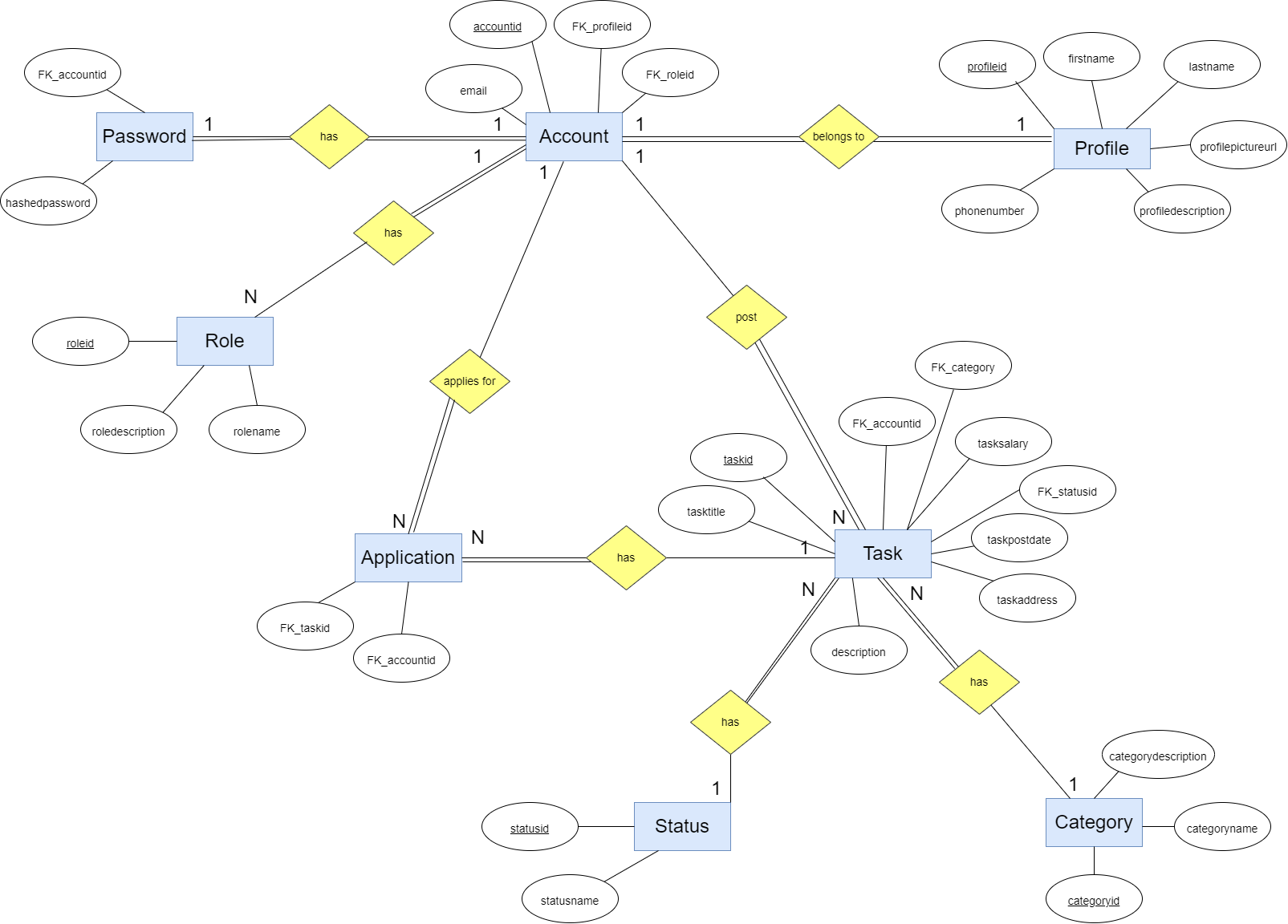
The first step in the project is to create a Entity Relationship Diagram, which is necessary for creating a SQL database later. The goal is to define the entities and relationships between them.Creating the ER Diagram is an iterative process - it is changed couple of times during the development process and adjusted to our needs.
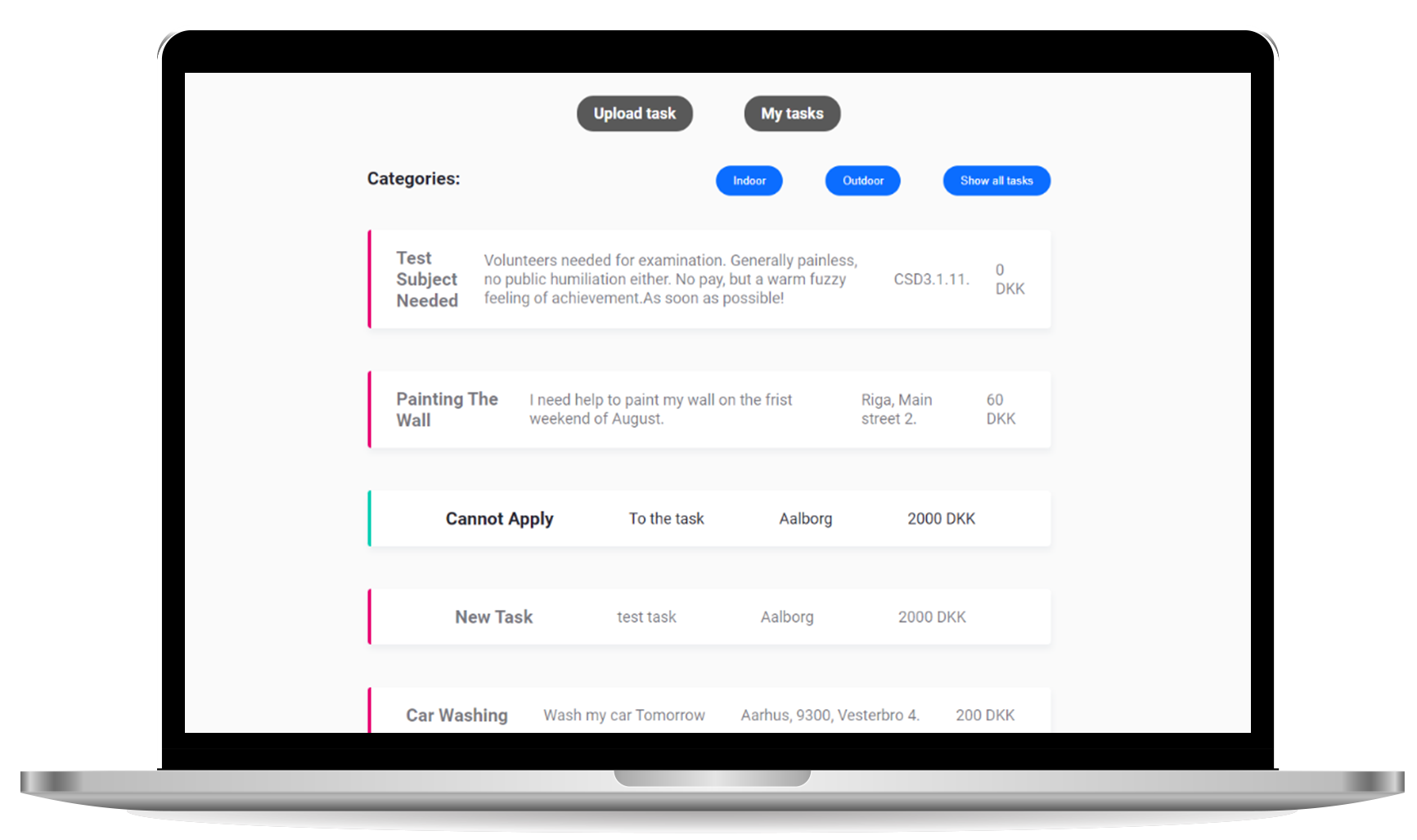
Our design choice is that there is no account without a profile. It means that when account is created, a profile is automatically created as well. Every account has a role, admin or member, while member is a default one. An account can post a task, which has to be assigned to a category - indoor or outdoor. A single task has also a status, in order to inform others if it is still available or expired. As an extra feature, every account can apply for a any task, unless it's not their own.